
How To Place an Order
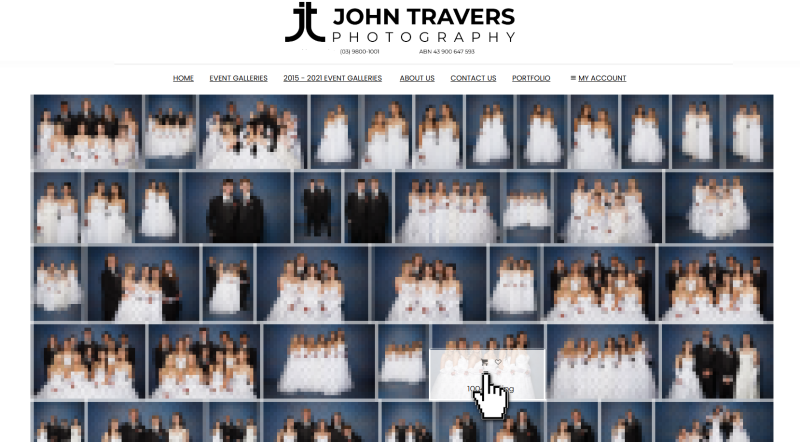
When viewing the event gallery, hover over an image to reveal options to Add to Cart or Add to Favourites. Clicking on an image will open a larger preview, allowing you to view it in more detail.
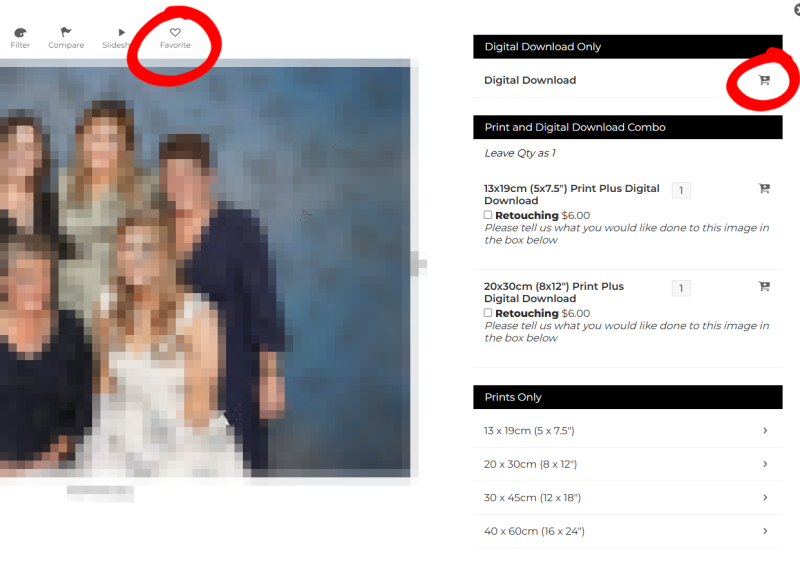
From the preview screen, you may add the image to your favourites or proceed directly to adding it to your cart.
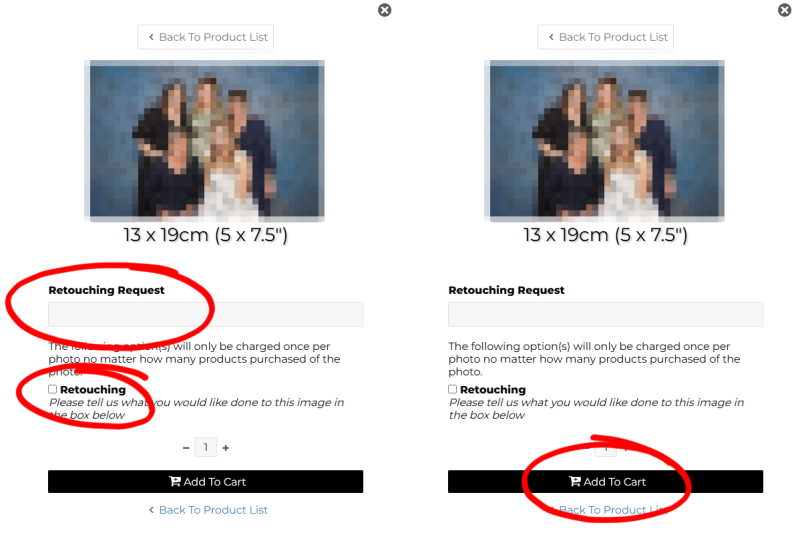
When ordering printed products, you will have the option to request professional retouching (additional charges apply) prior to adding the item to your cart.
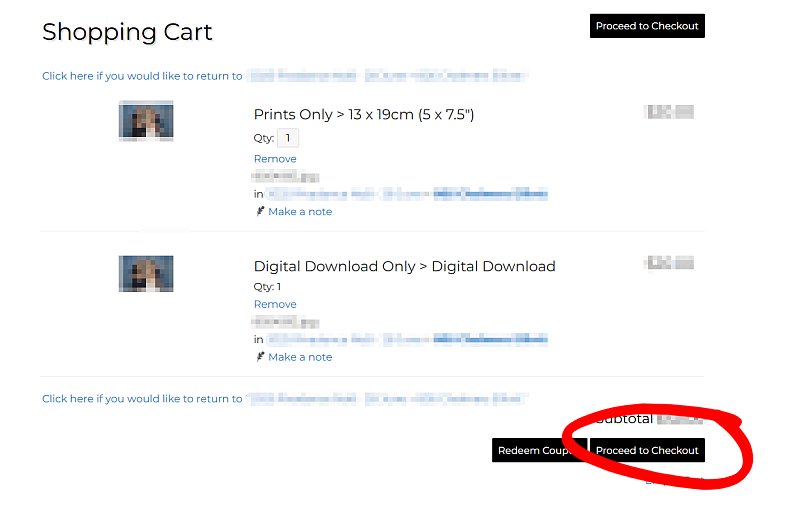
Once you have selected all desired items, navigate to your cart to review your order and proceed to checkout.